Claude Agent Teams UI: Desktop App for Visualizing Claude Code Agent Workflows
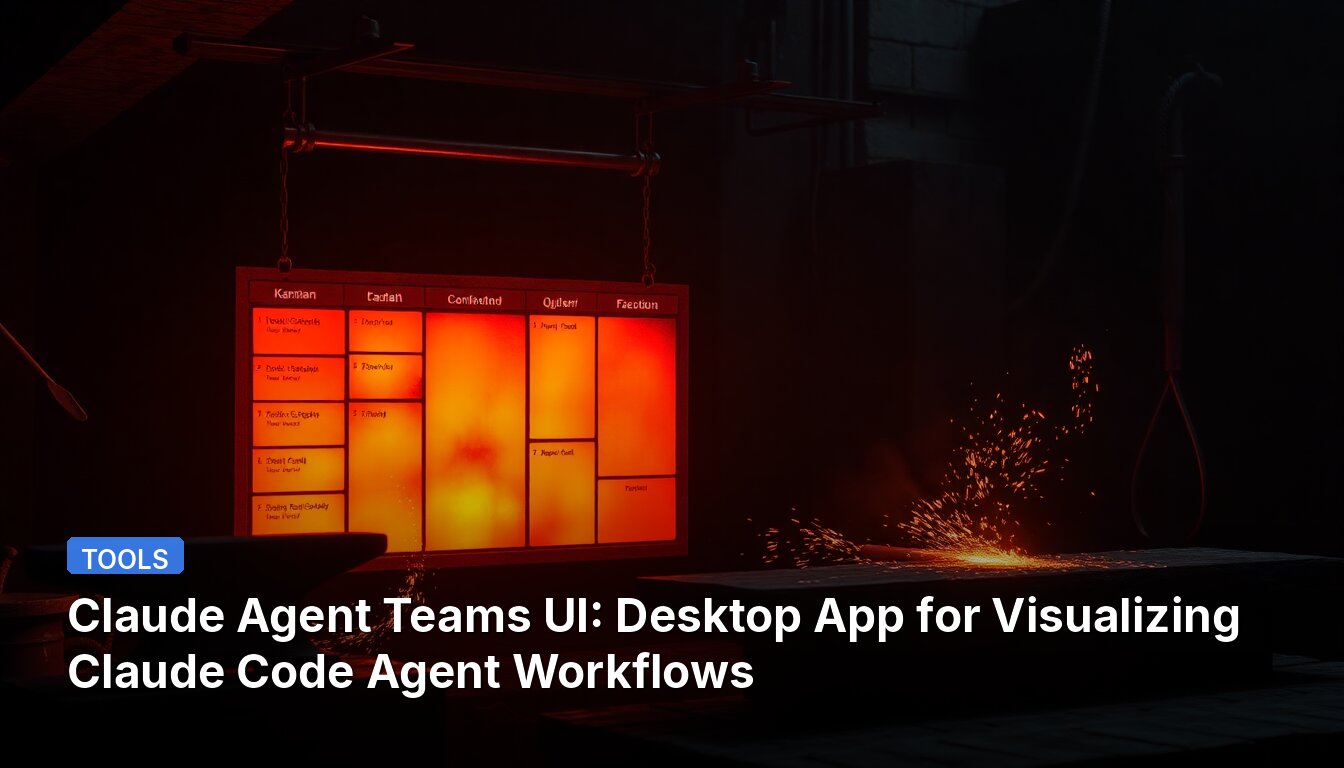
A developer has created a desktop application that provides a visual interface for Claude Code's experimental Agent Teams feature. The app is free, open-source, runs locally, and doesn't require API keys.
What It Does
Claude Code recently added Agent Teams, where multiple agents work in parallel coordinated by a lead agent. However, this happens in the terminal, making it difficult to monitor parallel work. This desktop app adds a visual layer on top of the CLI functionality.
Key Features
- Real-time kanban board – Tasks move across columns automatically as agents work. You can see all projects and teams in one place.
- Cross-team communication – Agents from different teams can message each other, which doesn't exist in the CLI itself. This makes multi-team workflows practical.
- Built-in review workflow – Agents automatically review each other's tasks. You see the full review conversation and results.
- Solo mode – Run a single agent with the same visual interface. It auto-creates and tracks its own tasks on the board.
- Per-task code review – Accept/reject individual code hunks, similar to Cursor's review flow. Leave comments and request changes, and agents pick up your feedback.
- Convenient task execution logs – See exactly which tools an agent used for each task in a clean visual timeline, showing only what's relevant to that specific task.
- Context monitoring – A six-category breakdown of what consumes tokens at every step.
- Zero setup – The app installs and configures Claude Code for you. Includes built-in UI for installing MCP servers, plugins, and skills.
- Session viewer – Browse and analyze any Claude Code session history across projects in the "Sessions" tab.
Comparison with Other Tools
The source includes a detailed feature comparison showing how this app differs from alternatives:
- Cross-team communication: Available here, not in Vibe Kanban, Aperant, or Claude Code CLI
- Agent-to-agent messaging: Native mailbox implementation vs isolated approaches in other tools
- Full autonomy: End-to-end autonomy vs human-managed workflows in some alternatives
- Hunk-level code review: Available here and in Cursor, but not in Vibe Kanban, Aperant, or Claude Code CLI
- Session analysis: Available here, not in Vibe Kanban or Cursor
- Zero setup: Available here and in Cursor
- Price: Free vs paid tiers for some alternatives
This type of visualization tool is useful for developers who want to monitor and manage AI agent workflows without constantly checking terminal output.
📖 Read the full source: r/ClaudeAI
👀 See Also
cstat: A Native Rust Status Line for Claude Code with 2ms Performance
cstat is a native Rust binary that replaces claude-hud's 62ms status line with a 2ms implementation by eliminating 24 subprocess spawns per invocation. It displays model info, rate limits, git status, context window usage, active tools, subagents, and task progress.
SkyClaw: Rust-Based Autonomous AI Agent Runtime
SkyClaw is an autonomous AI agent runtime built in Rust with a 7.1 MB binary that idles at 14 MB RAM and starts in under one second. It operates on five engineering principles including autonomy, robustness, and brutal efficiency.
HolyCode: Docker Container for Persistent AI Coding Agent Environments
HolyCode is a Docker container that provides a persistent development environment for AI coding agents, keeping sessions, settings, and plugins across rebuilds. It includes preconfigured browser tooling for agent workflows and supports Claude, OpenAI, Gemini, and other providers through OpenCode.
PinchBench Ranks Qwen and Nemotron on Mac Studio M3 Ultra: Nemotron Super Hits 99.2% Coding
A developer ran six local models through PinchBench on a Mac Studio M3 Ultra with 256GB RAM. Nemotron-3-super topped coding at 99.2% but scored 78.2% overall; Qwen3.6 35B A3B led total score at 87.9%.